
Lyrics in two or more languages on one slide
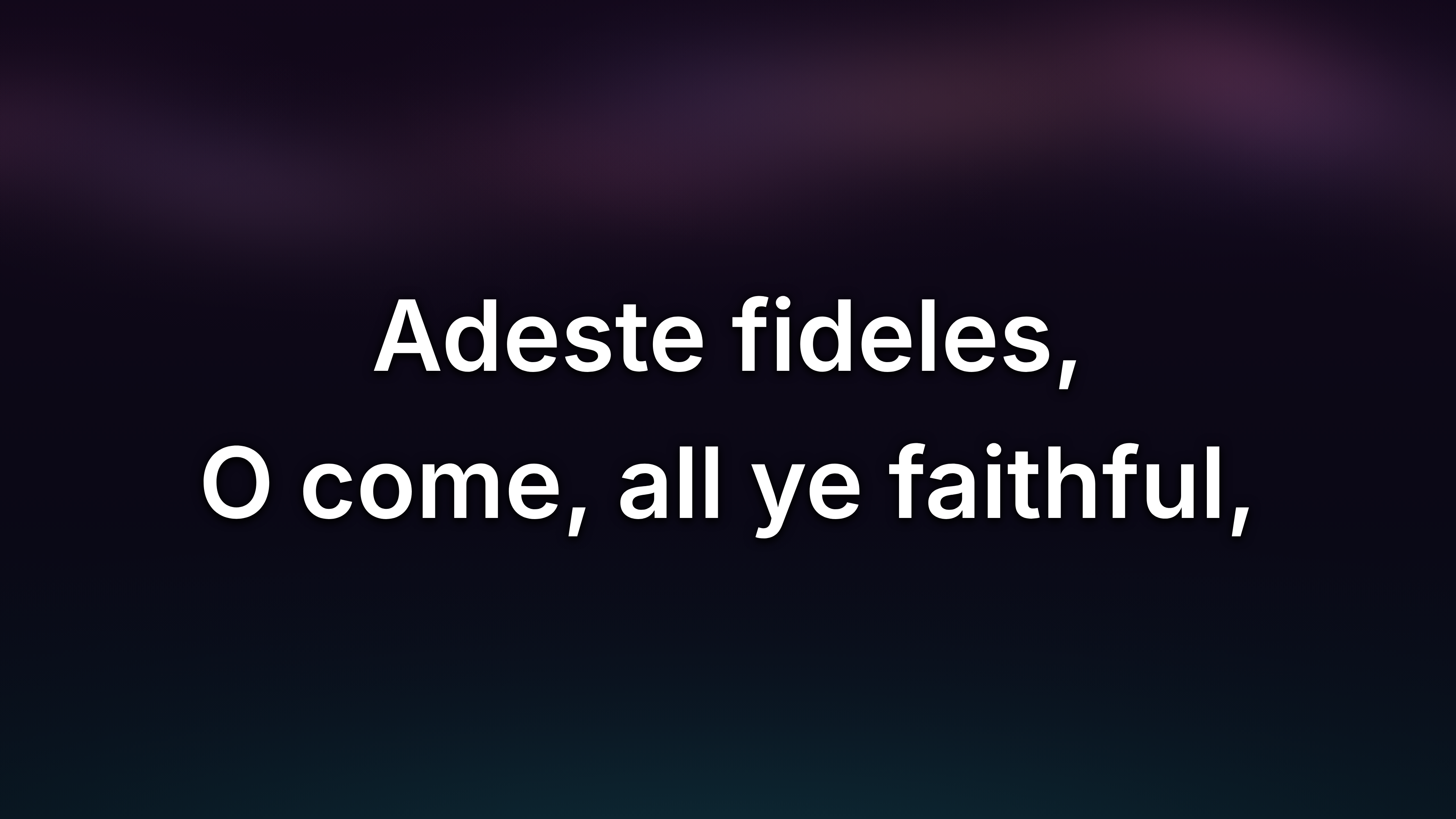
Churches that worship in more than one language can show bilingual or multilingual lyrics on the same slide: each line of the song, followed by the same line in the other language, or in two others, such as Chinese, its pinyin and English.
How it works
Type or paste the lyrics one line per line, each line followed by its translations, with a blank line between verses and choruses. By default every two lines make one slide, so each slide shows a line and its translation together. Lines per slide in Settings changes that, from 1 to 8: set it to 3 for a line in Chinese, its pinyin and its English, or to 1 or 4 for songs in a single language.
The text size fits each song automatically. Wrap long lines shows a line too long for the screen on two lines instead of shrinking the text.
Find songs in any language
Search the library by title or by words from the lyrics, in any language. Chinese songs can also be found by pinyin or by the initials of their pinyin, and a search in Simplified characters finds songs written in Traditional ones, and the other way round.
Fonts for every script
Choose the slideshow's font in Settings. If the font lacks some of the characters in your songs, Worship Q says how many, and those characters are shown in another font.